Managing User Profile Data Syncing to Bright Server
Configuring Automatic Sync
With Bright, you can write WordPress user meta information into the Bright database and permanently associate it with a user.
This feature is frequently used in conjunction with Bright reporting.
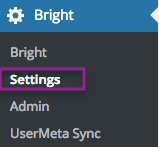
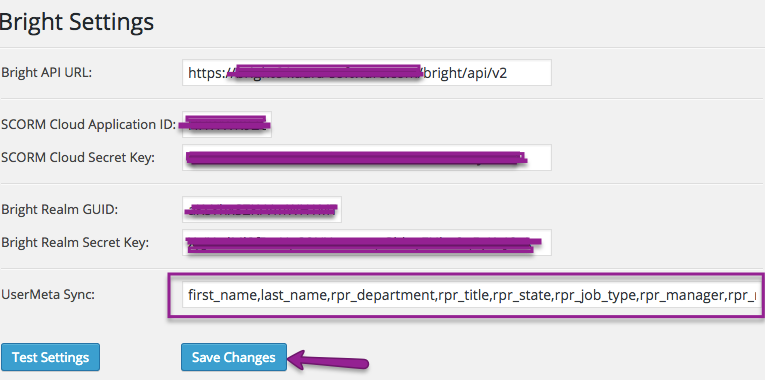
Using it very simple and involves listing the user meta field names here:
Just list the field names here.
Forcing A Sync
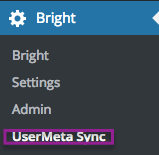
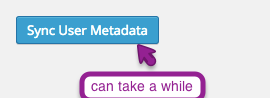
When you modify the list above, to have all of your users instantly updated in the Bright database, please manually initiate a sync:
Managing Timeouts in Full Syncs
If you have a very large number of users in your WordPress site, and depending on your web server configuration, you may get a Timeout when initiating a full sync.
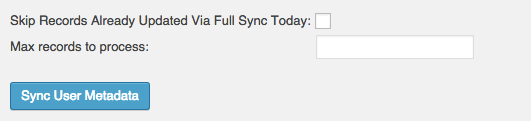
While not ideal, the following flags can help you recover from this:
Setting the "skip" option means you won't reprocess fields from today, and setting a limit can help gain insight into how the sync is progressing.
When does a user's metadata get synced automatically?