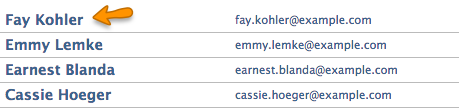
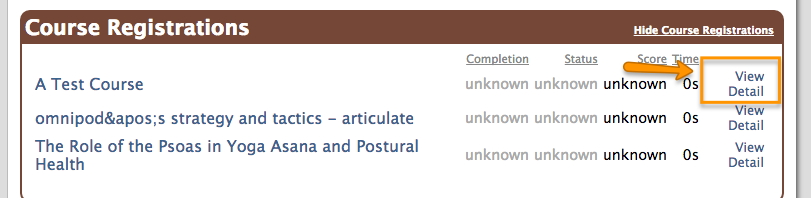
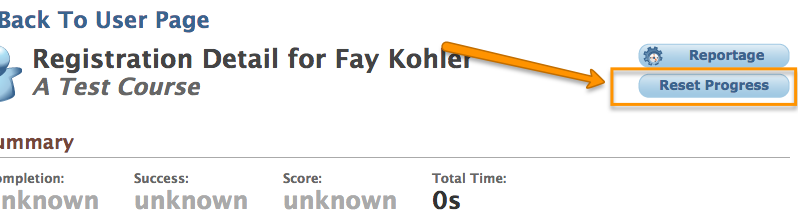
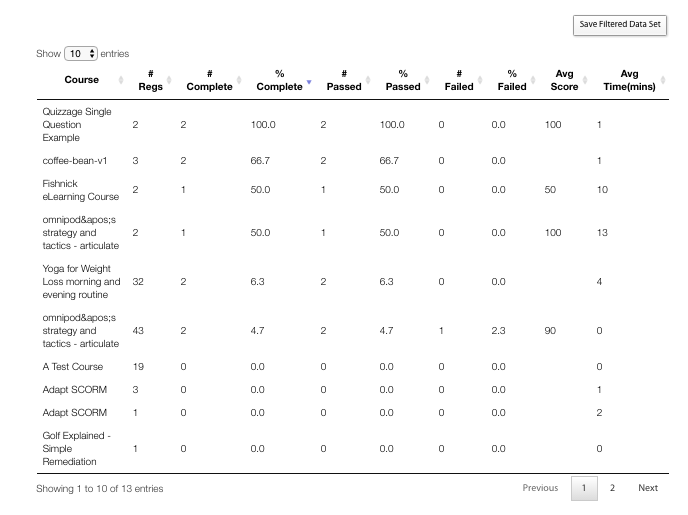
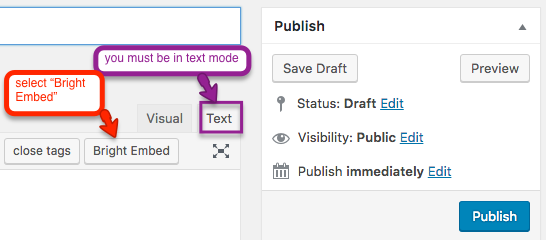
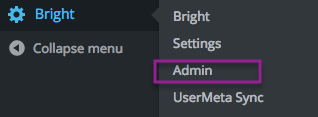
Resetting SCORM Cloud registration activity To reset activity for an individual SCORM Cloud registration, you can start by first navigating to the user list: Select your user: View activity on the registration in question: Reset the progress: See Also Reset Progress at scorm.com Related Posts:Using SCORM Cloud without the popup window SCORM, xAPI, and Scorm Cloud Adding A Bright Template to a WordPress Page or Post Bright For WordPress template: bright_generic_report Builtin Templates template: certificate Builtin Templates Bright Template Reference Bright Shortcodes report: Registration Detail Reporting