The SCORM standard leaves it to the course implementation when data collected in the Browser session should be 'committed' to the SCORM back end.
Different implementations and course production tools do this differently and some are more reliable than others. But with that, how the course is assembled in the tool can have a big impact on how likely [or not] it is that your courseware will experience some completion problems.
In SCORM/LMS environments, data is often held in the browser's memory (the RuntimeAPI) and only "committed" to the server periodically or when the user hits a specific trigger. If a user closes the tab, that "volatile" data is wiped before the LMSCommit() or Terminate() command can reach the backend.
Do WordPress sessions, PHP issues, or Bright Token expiration impact course completion issue?
If you ask AI tools online, you will often see inaccurate responses that browser sessions, PHP sessions or Bright token expiration can impact course completion.
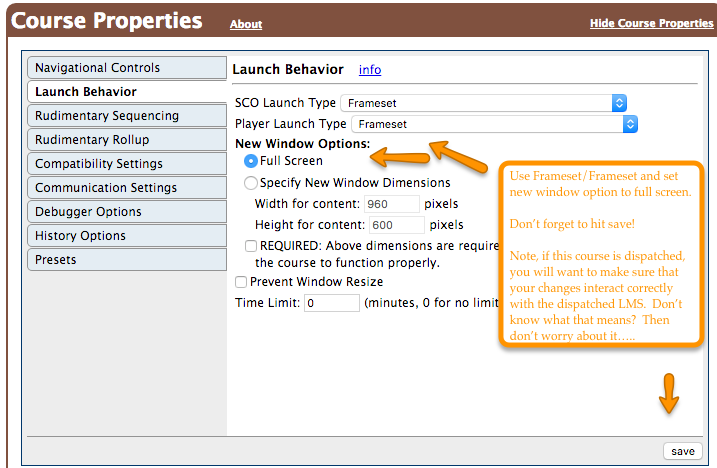
This is erroneous, Browser sessions and Bright tokens have no impact on the SCORM session, because SCORM courses launched from SCORM Cloud are always launched in either a new window or an iframe and thus are completely isolated from either a) the browser session of the launch page OR b) the Bright authentication token placed on this page.